
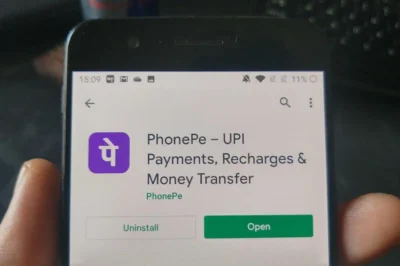
Having technical troubles on the PhonePe app can disrupt transactions and usage. Whether login problems, transaction failures, or other glitches occur, knowing how to report issues promptly is crucial. This guide outlines steps for Android users to efficiently report glitches within the PhonePe app.
Make sure to identify the problem before contacting support. Is it a transaction failure or login trouble? After pinpointing the issue, conduct basic troubleshooting: restart the PhonePe app, check your internet connection, and update the app on Google Play Store. These steps often resolve common issues without additional assistance.
If basic troubleshooting doesn’t work, report the problem through the app. Go to your profile, click on Help, and choose the transaction in question or Unable to Login for login issues. Explain the problem, include error messages, and hit Send to submit.
After raising, authenticate your account with an OTP. For unresolved issues, contact Level two support on PhonePe’s site or customer care. For older or Level three problems, reach out to the Grievance desk. This aids Android users with PhonePe technical matters.
Sources News From Various Digital Platforms, Websites, Journalists, And Agencies.







Leave a Reply